Built to protect your focus
Work, plan, organize and more, all built into your new tab. No apps to open, no switching windows.




Everything at hand. Nothing in the way.
Seven tools that live in your new tab. Capture a thought, plan your day, make your to do list. Without breaking your flow.
Every hour of your year on one screen
View your hours by year, quarter, month or week. Click any hour to add a note.
Write notes tied to specific hours
Search by keyword. Filter by tag.
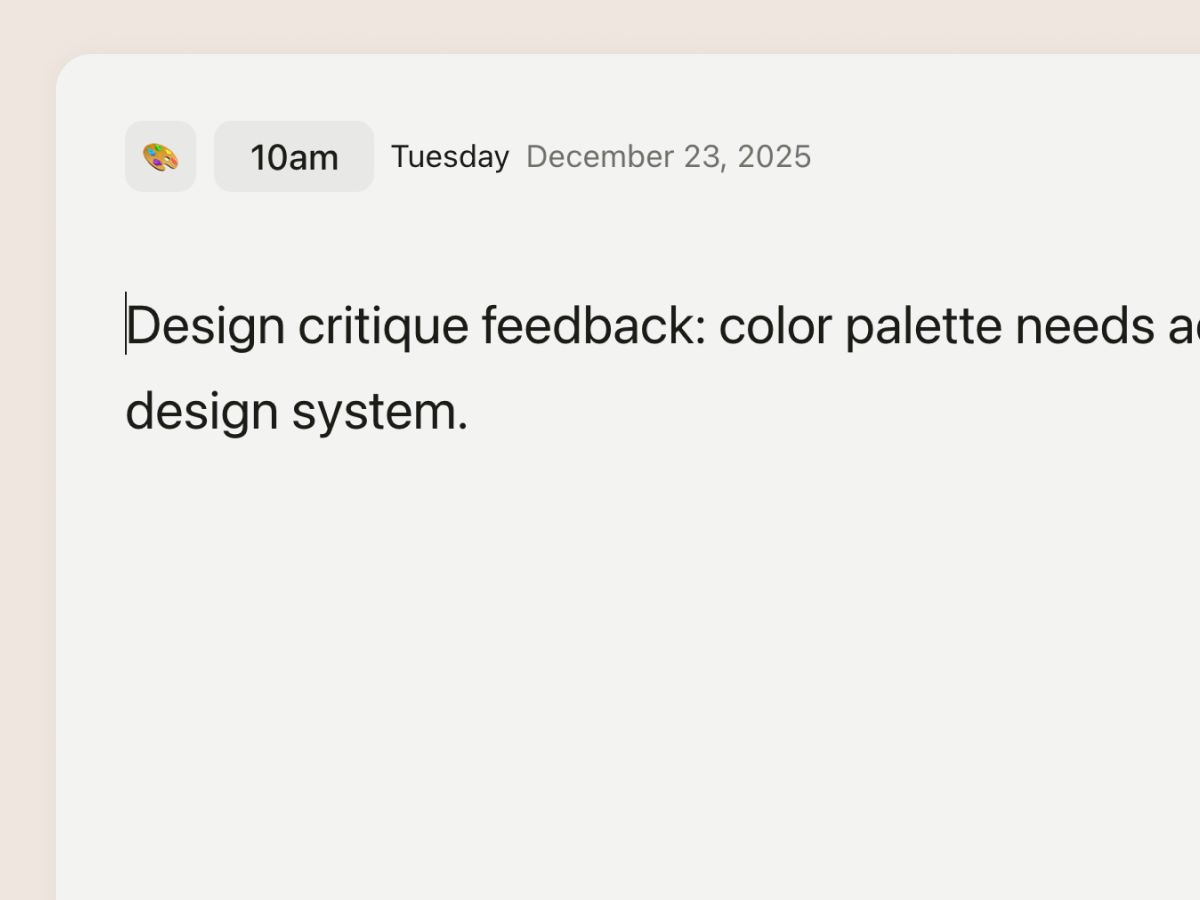
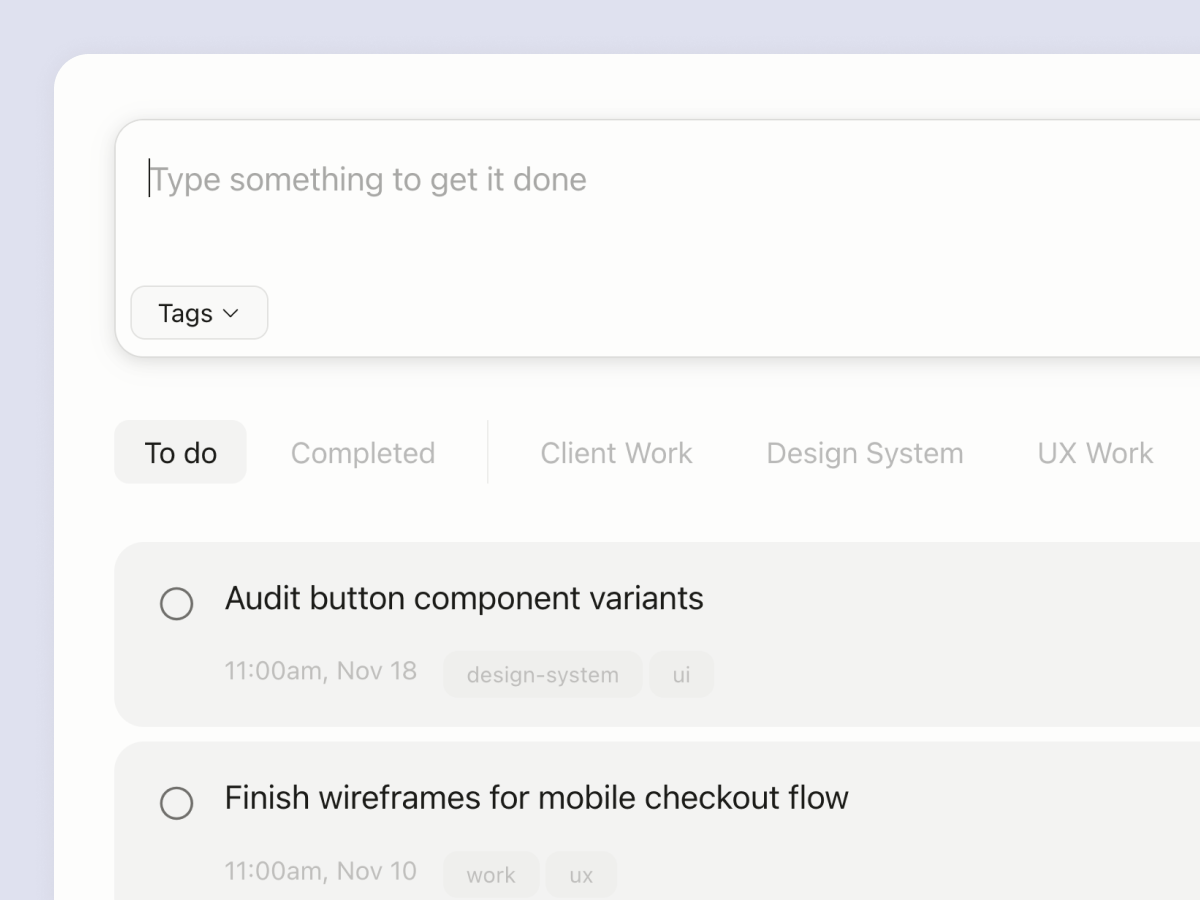
Simple todos with tags
Create custom todo lists based on tags.
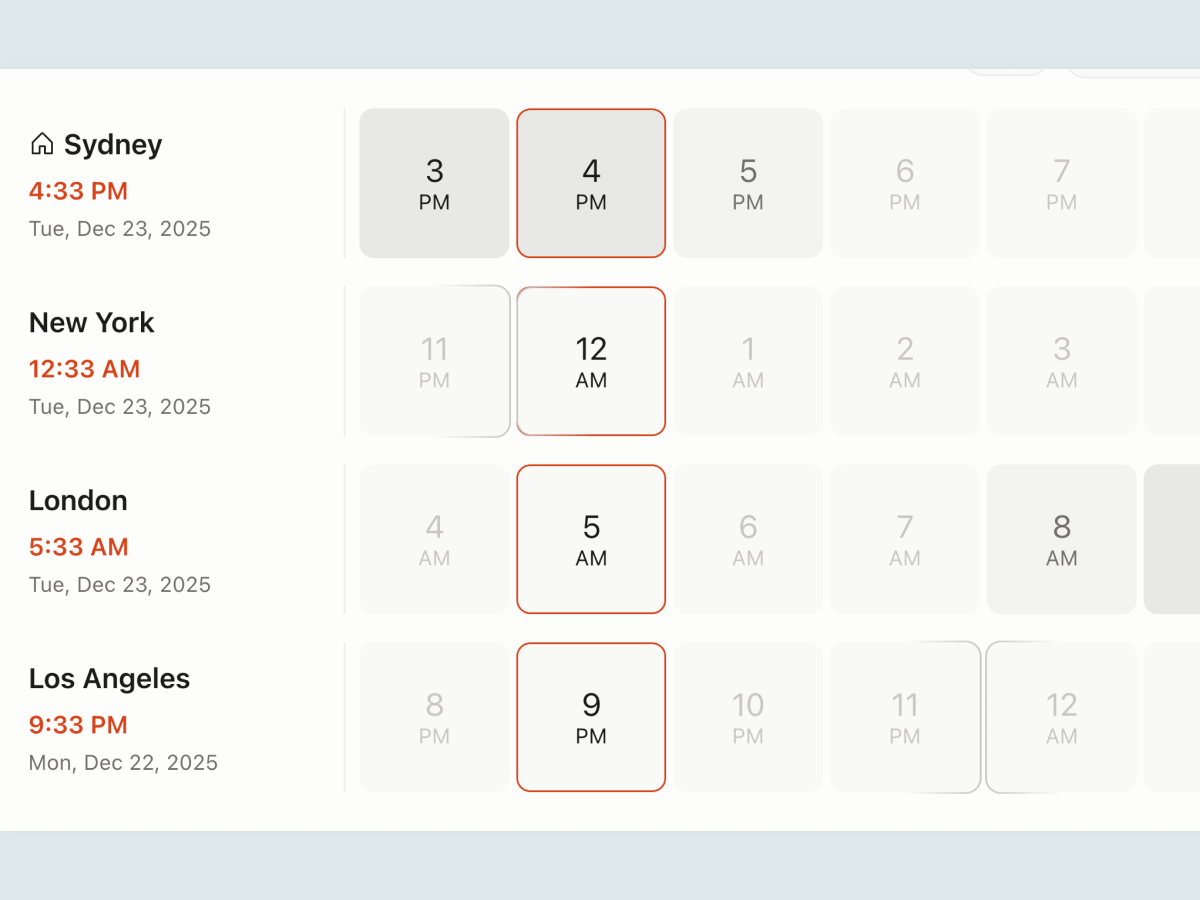
Timezones: See work hours across cities
Easily find meeting times that work, including configurable work and buffer hours.
Symbols: Copy special characters
No more googling "right arrow" and "copyright symbol"
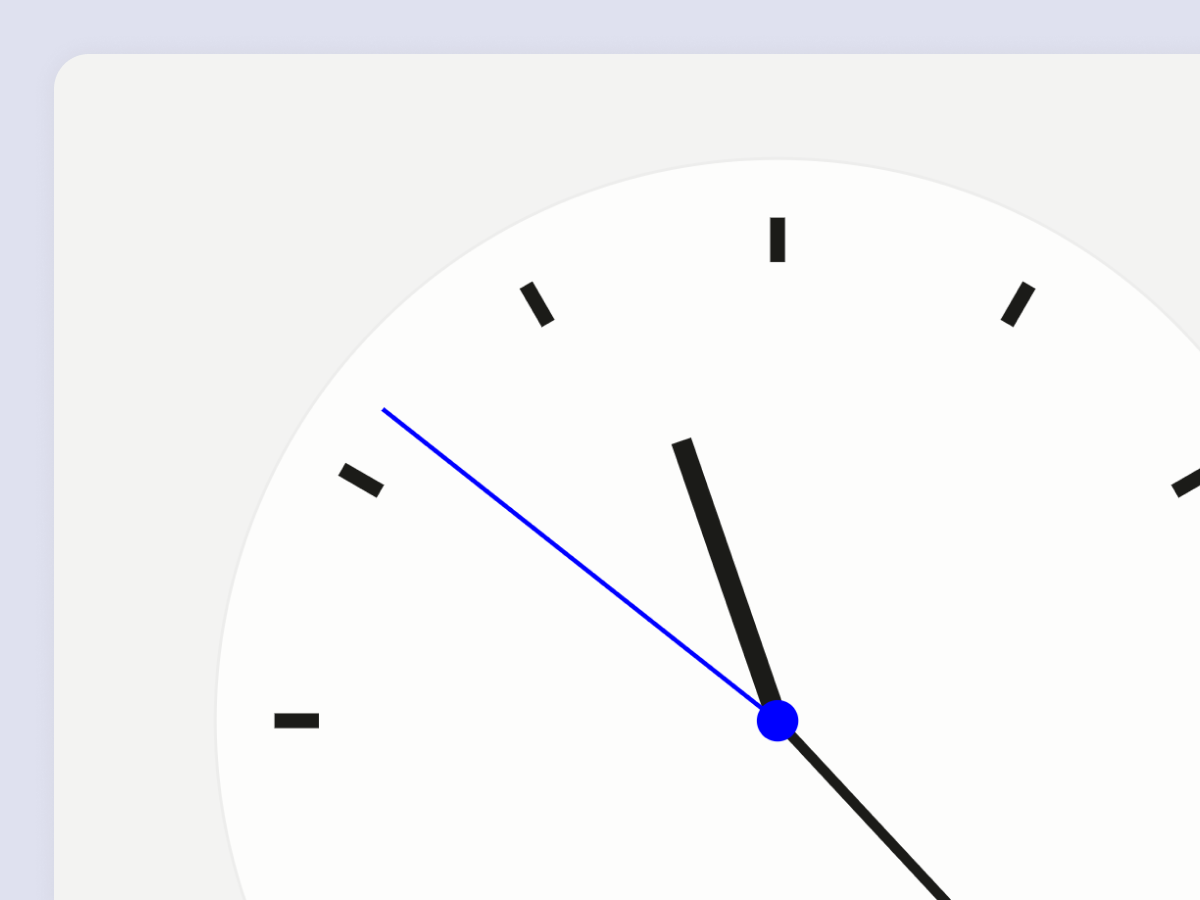
A simple, modern analog clock
Minimal, functional and customizable.
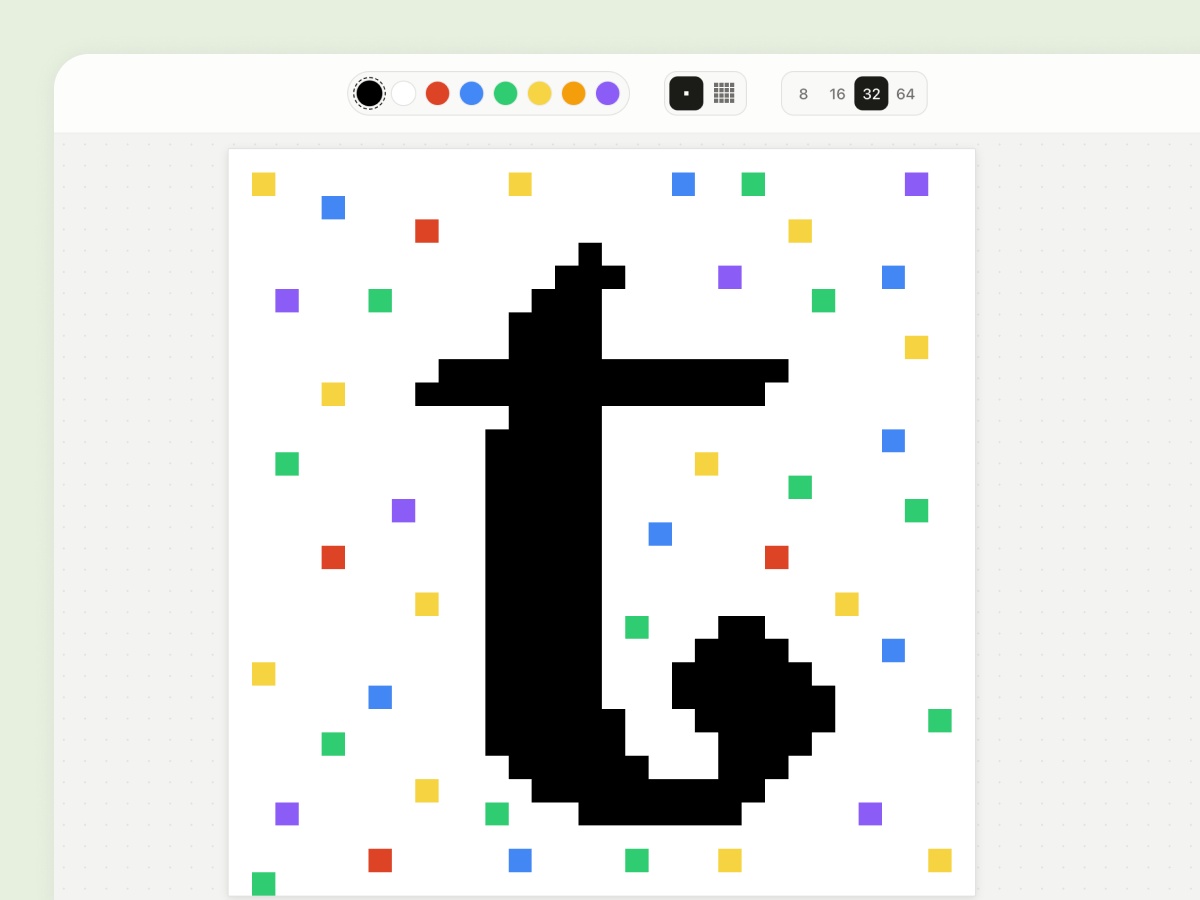
Draw: A simple pixel art tool
A simple bitmap drawing tool, just for fun. Sketch rough ideas, create folders of drawings and build your gallery.
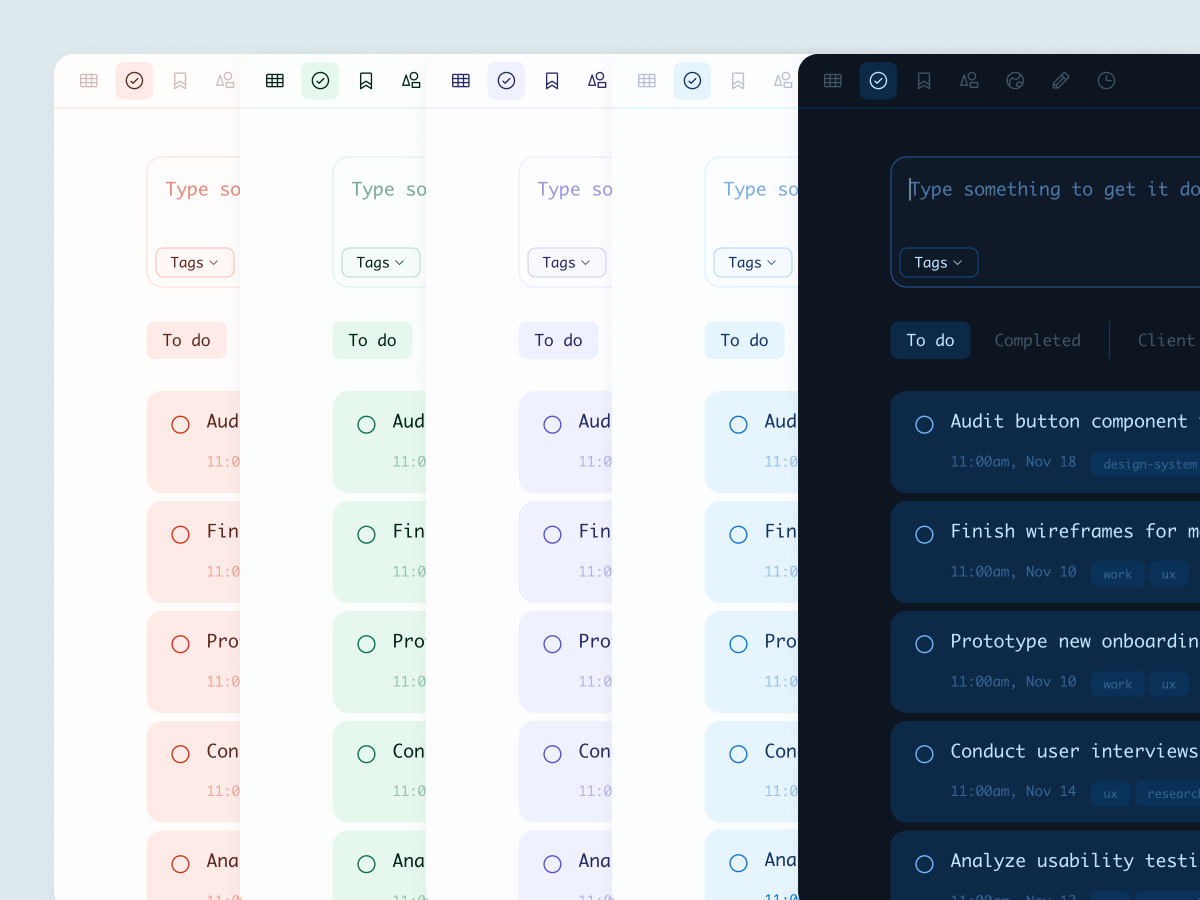
Make it fit your vibe
Light/dark mode with color palettes, custom time ranges, show/hide tools. Pretty much everything is changeable.
Your data stays yours
All your data is stored locally in your browser. No servers, no cloud sync, no tracking. Delete Tabba and your data goes with it.
Entirely local
All data stored in your browser. No servers, no sync, no cloud. Also works offline.
Zero tracking
No analytics, no telemetry, no fingerprinting. We see nothing.
No AI training
Your notes stay private. Never used to train models or algorithms.
Export anytime
Download all your data as JSON. Delete whenever you want.

Try a new, new tab.
See your time. Write quick notes. Save your stuff.
Frequently asked questions
Nope. Unlike web-based tools that require constant server calls, everything runs locally in your browser. The extension loads in under 100ms and uses minimal memory, faster than loading most websites you'd typically see on a new tab. Before launch, we stress-tested the extension with thousands of notes, todo items, etc. just to ensure Tabba works reliably at scale.
Literally impossible. Tabba doesn't have servers, analytics, or any network connection for your data. When we say local-only, we mean your data never leaves your device. If you uninstall Tabba, your data goes with it. We offer an easy import/export feature to take your data with you and back it up.
Yes, all extension code (including future updates) is fully reviewed by Chrome's security team before release. Tabba is in Chrome's Web Store but currently unlisted during our closed beta. Once we complete beta testing, it'll be publicly available. It's also in our roadmap to support Microsoft Edge and Firefox going forward.
Just uninstall like any Chrome extension (3 clicks). Since everything is local, there's no account to delete or data to clean up. If you want to come back later, just reinstall. You can simply export your data (json format for now) take it with you, and re-import it if you decide to return.